tasks
Development Process
For the Documentation and Project task, you will need to work with the GitHub Projects tool.
Each development company will have their own way of staying organized. These are basic instructions as to how we stay organized at BrickMMO.
-
You and your group will be assigned an asset to work on. This could be:
The official BrickMMO website:
URL: https://brickmmo.com
GitHub: https://github.com/BrickMMO/website-v2BrickMMO Flow (our internal project management software):
URL: BrickMMO Flow
GitHub: https://github.com/BrickMMO/flow-v1The About Radio documentation:
URL: https://brickmmo.github.io/radio-about/
GitHub: https://github.com/BrickMMO/radio-aboutLocate the repo for the assigned asset. For example, let’s work on the official BrickMMO website, we will need to find the website-v2 repo:
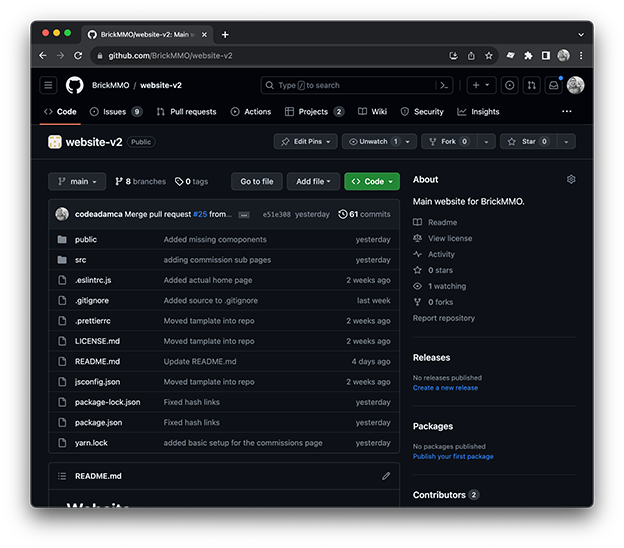
-
You will also be assigned a project. On the website-v2 repo, click on the Website Content project:
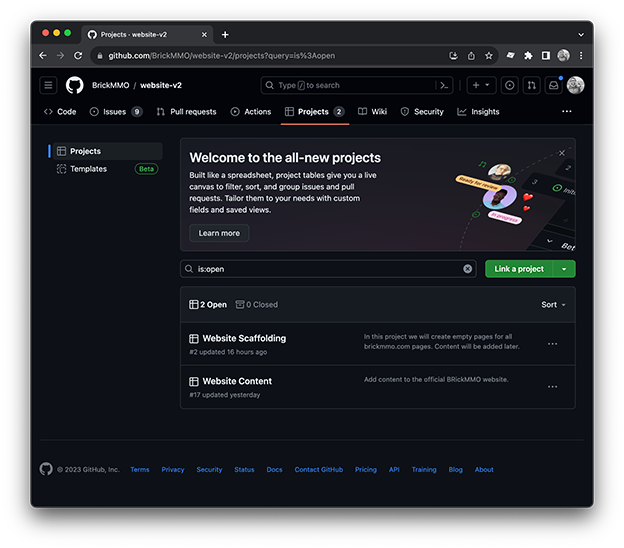
-
Now we select an item/issue to work on:
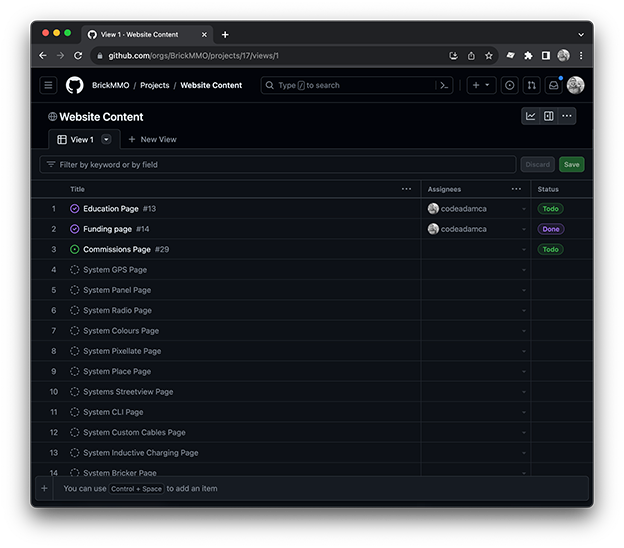
We are going to work on the commissions item:
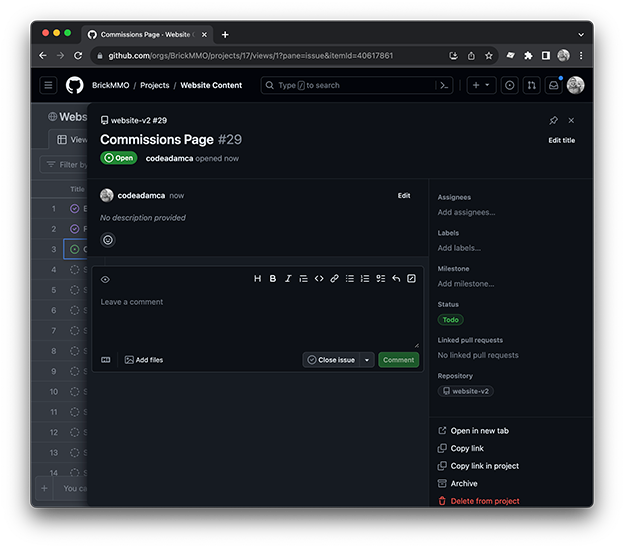
And click on the
open in new tablink to get the full item details: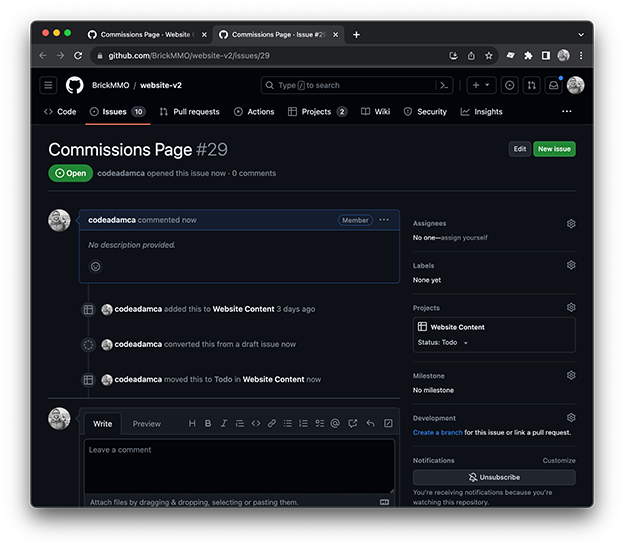
-
From the new tab you can assign the task to yourself (or group members).
-
Then you can click the
Create a Branchlink. This will create a new branch using the item name and number: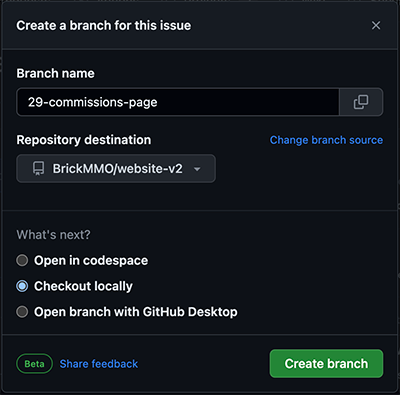
Click on the
Create Branchbutton and GitHub will create the branch for you and provide you with code to recreate and checkout the branch locally: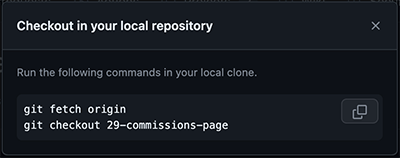
-
At this point you can open your code IDE, start making changes, and
add,commit, andpushas you normally would. -
When you are done all of your changes, do one last
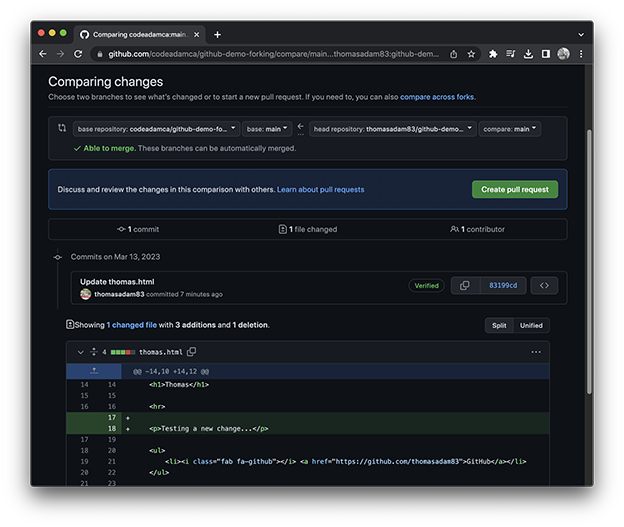
add,commit, andpush, and then proceed to the repo and submit a pull request: